The Valorant play button is not working for some players, but fortunately it’s a simple issue that can be resolved by following a few steps.
Riot Games recently revealed upcoming agent Clove in Valorant, who’ll join the ranks on March 26. However, some players can’t play the game due to a pesky bug in Valorant.
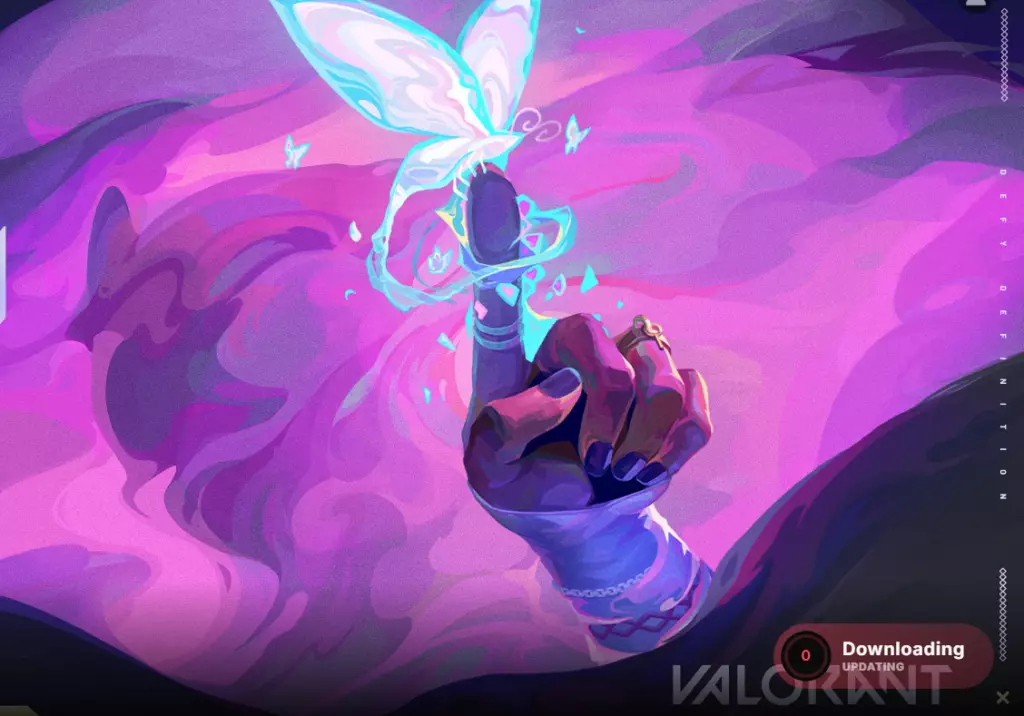
The Valorant play button often glitches when players return to the game after a long time. Most of the time, it’s because the game is trying to install pending updates and bugging because players keep spamming the play icon. However, the issue could be for many other reasons as well.
In any case, this problem has a simple fix.
How to fix Valorant play button not working
If your Valorant play button is not working, try the following methods:
Click on the Play button once and wait for a few minutes
An update icon should appear if you’re playing Valorant after a long time
Click on Update and restart the game once it has been updated
If you’re a regular player who’s still facing the same issue, go with the following fixes:
Restart your internet router. This button going grey is likely a connectivity issue and should resolve itself when your connection has stabilized
Restart your computer. If you’ve been spamming the Play button, the game client has likely glitched out. Restart your device and click on Play again
Finally, if nothing else works, restart the device and then Valorant as administrator:
Find Valorant install location or right-click on Valorant display icon
Click on Run as Administrator from the options
The game should now start as usual
It’s also worth checking the Valorant server status before applying any fixes. The error may be from the game’s end due to server-related issues. You may head to Valorant Down Detector to check the server status.
Fariha Bhatti
About Fariha Bhatti
Fariha Bhatti is a long-time gaming writer who loves competitive FPS games and slots with particularly fun themes. She got her start playing classic games developed by SNK, from legendary fighting game series The King of Fighters to challenging platform franchise Metal Slug. She now spends most of her time playing Valorant and Counter-Strike 2 while working her way through new slot releases to find her next favorite. Fariha has been published at PCGamesN, TalkEsport and ONE Esports.





 Valorant
 Valorant
 Valorant
 Valorant
 Valorant
 Valorant
 Valorant