Win.gg
News
The easiest way to create Twitch clips on PC and mobile The easiest way to create Twitch clips on PC and mobile
Whether you’re a Twitch streamer or a Twitch viewer, you can easily make clips of epic and funny moments from any public stream. Doing so is both fast and easy, if you know what to do. So here’s how to make a Twitch clip.
Everything you need to know about making Twitch clips
How to make Twitch clips on PC
Downloading Twitch clips is easy on PC. Go to any Twitch channel and choose any stream. This could be your own channel, the channel of a streamer you’re following, or even a new channel you find by using the platform’s search bar.
In the top right corner of the stream, you’ll see a “clip” icon. It’s the furthest button to the side and looks like a Hollywood clapperboard. You can also press Alt + X to quickly take a clip of any stream if you’d prefer to use a shortcut.
Once the clip has been taken, you can trim the clip to make it the specific moments you’re looking to highlight, whether it’s an impressive play or a hilarious conversation. To publish the clip, you’ll need to add a title. This will make it available to the public. Alternatively, you can download the clip for yourself by pressing “export” or “download.”
How to make Twitch clips on mobile
When downloading Twitch clips on mobile, the first step is the same as on PC. Go to a Twitch channel and choose the stream you want to make a clip of. This can be your own channel or anyone else’s public channel.
Press the “clip” icon that’s at the top right corner of the screen. It looks like a movie clapperboard, just the same as it does on PC. When you find the exact moment you want to clip, press that button and the clip will be automatically generated.
Trim the clip to highlight the exact moment you want to showcase. Then give it a title to make it public. After that, you can simply press “publish.” You can also press “share” if you want to distribute the clip yourself.
 Olivia Richman
About Olivia Richman
Olivia has worked in media ever since graduating from college, with her coverage ranging from traditional newspaper reporting to digital coverage of all things gaming, online betting, and nerd culture. She has traveled around the world pursuing that coverage, from the far coasts of the United States to the busy downtown core of Tokyo, Japan. Olivia’s favorite games include Overwatch and Super Smash Smash Bros, and she has been published at Esports Illustrated, Inven Global, EsportsInsider, Upcomer, and elsewhere.
View full profile
Read Also
 Kick
Kick
Kick Admits KPP Payment Errors — Ethan Wright Explains Calculation Changes
Khizar Mundia
Kick creators have been claiming that something is wrong with their KPP payouts for some time now. Co-founder Eddie Craven and Director Ethan Wright both addressed the issues, blaming technical difficulties and stating the issue would be rectified, but creators have continued to allege that it hasn’t been fixed — and Wright has now given an update about KPP changes that he hopes will put the issue to bed. In ...
 News
News
How Good Will Nintendo Switch Sports Resort Be?
Zachary Roberts
The Nintendo Switch run of games has been excellent by most metrics, but there are some things they haven't managed to do better than in previous attempts. Since 2017, Nintendo has put out a ton of outstanding games. They've won awards, and the Switch is the second-best-selling console ever; it may even end up in first eventually. That said, there are some things that have been replicated for the Switch ...
 News
News
Kalshi Strikes Deal With Tunica-Biloxi Tribe
Emma Somersett-MacMillan
The Tunica-Biloxi Tribe from Louisiana is joining the rapidly growing prediction market industry. They have formed a new partnership with Kalshi, and this has enabled it to be the first Native American tribe to introduce its own prediction market platform via the company’s framework. This was announced on September 18, 2026, during a time when several other tribes are questioning the growth and development of Kalshi. They object to this ...
 Kick
Kick
Kick Offers Viewers More Visibility in Chats — Here’s How the New KICKs Pinned Messages Work
Khizar Mundia
2026 has been a stellar year for Kick users, with the brand investing substantially in very visible updates. The livestreaming platform has now introduced another new option where Kick viewers can use KICKs to pin and highlight their messages in chats. Twitch and Kick have several similarities, which makes sense given that the Stake-backed platform launched as a competitor to the Amazon-backed giant. Bits are a common method for viewers ...
 Valorant
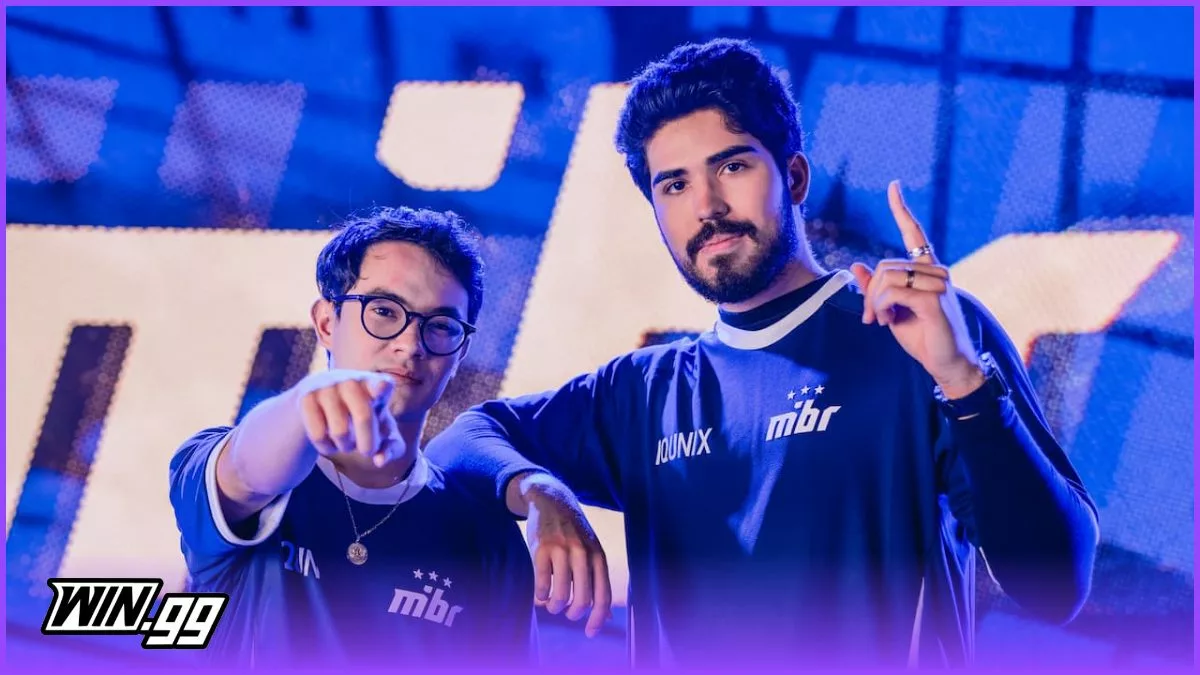
Will zekken Leave MIBR in 2026?
Hannan Mundia
Competitive Valorant has given rise to multiple talented professional players, but zekken stands as a powerful fragger even among them. While his glory days were definitely when he was on Sentinels during their iconic run, the player is now part of MIBR, which promised to create a super team. Unfortunately for zekken, the team has fallen short of that promise. With a disappointing 2026 season, rumors have started that zekken ...
 News
News
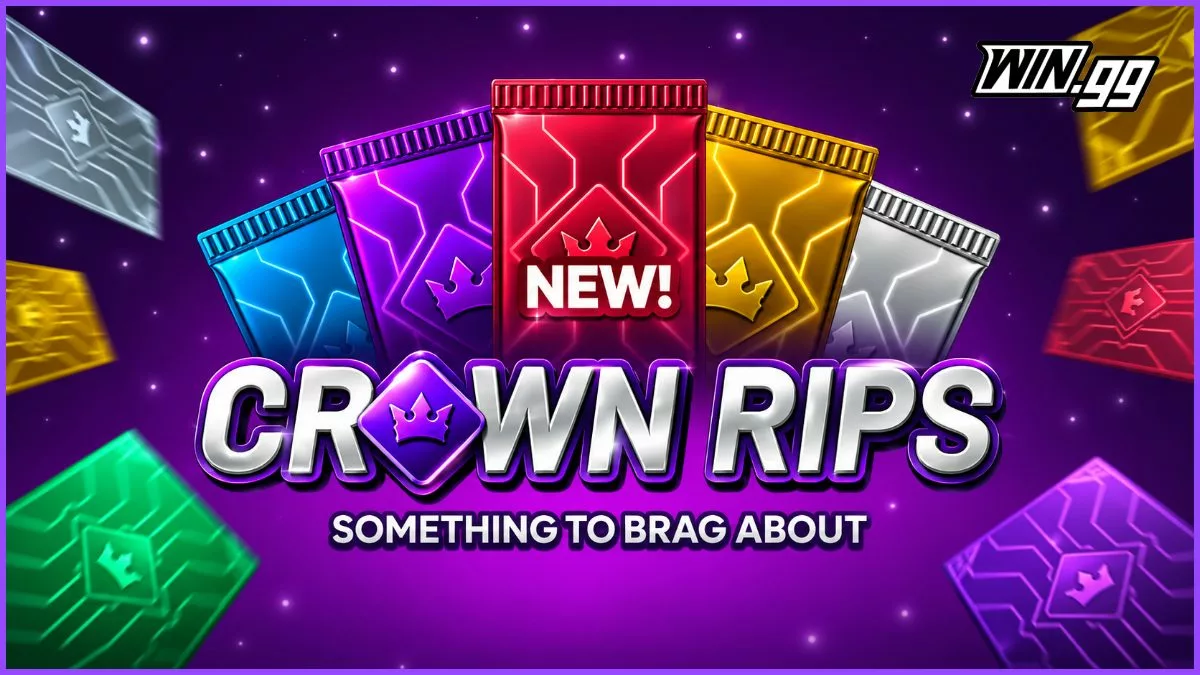
What are Card Rips? The New Way to Trade Collectibles Explained
Ben Boland
Card rips are a new form of digital pack opening in which users can reveal physical trading cards and choose to sell, store or have them shipped to them. They are attracting serious interest among sweepstakes players. Currently, most card rip sites are separate from online casinos. However, some sweepstakes sites have foreseen the potential popularity of this form of this type of product and are offering their users the ...
 Twitch
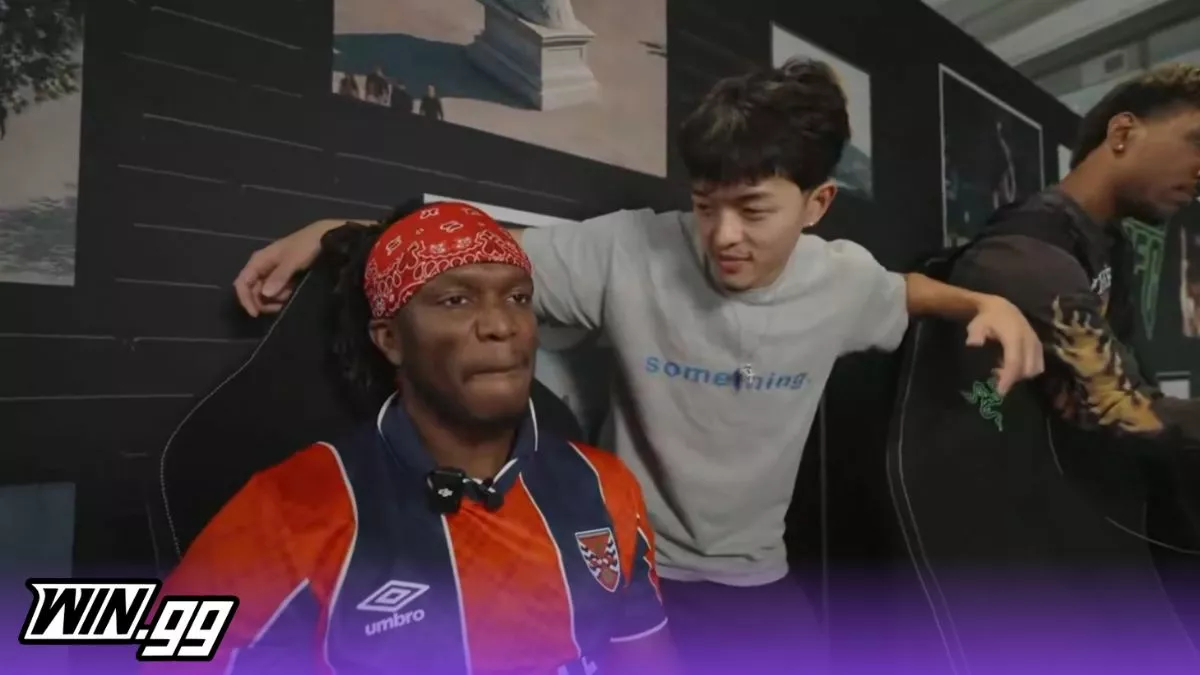
KSI Hints at Falling Out With at Least “Some” Sidemen
Khizar Mundia
Olajide “KSI” Olayinka Williams Olatunji was arguably the largest name attached to Sidemen, and now that he's left the collective, it appears some of the members are no longer his friends. KSI’s exit from Sidemen was the end of an era. He and the boys were renowned for fun whilst creating good memories and building a massive following. When KSI left in May 2026, he'd stated that he was on ...